








Smart Min/Max auto-calculated reorder points
Automatically calculate and update optimal stock levels for every material — daily, at every location, without manual work. AI-powered reorder points that adjust to your actual usage patterns.
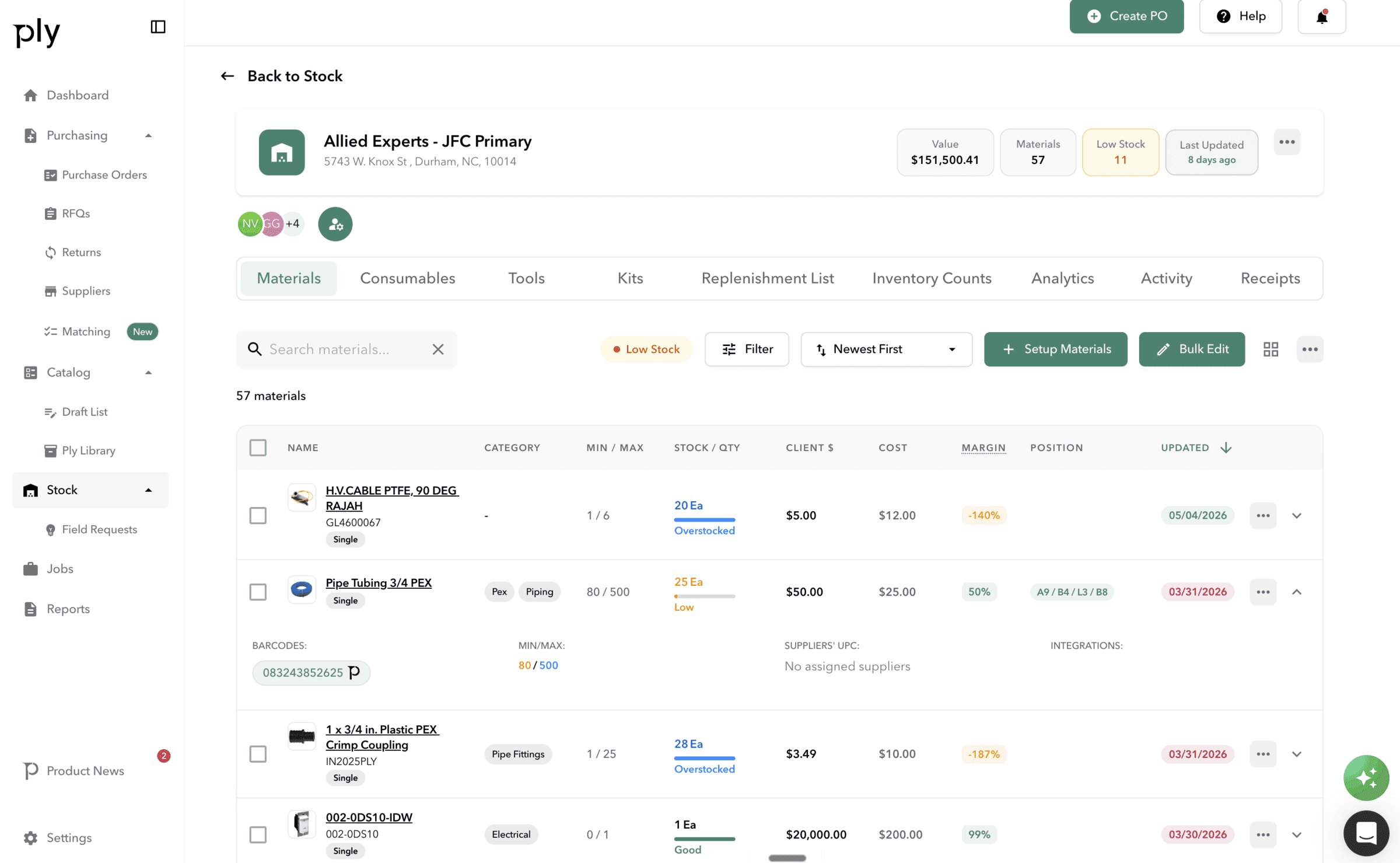
How it works
Smart Min/Max in Ply follows a clear, structured workflow.
Collect usage data
The system gathers usage patterns per location and material, including total usage quantities, event counts, and peak usage figures.
Calculate thresholds
The algorithm processes data to determine average usage, identify peak spikes, and compute new minimum and maximum thresholds.
Generate new values
Optimized reorder points are produced: new minimum equals average usage divided by 2, new maximum equals the greater of peak usage or average usage times 2.
Apply or suggest
In Automatic mode, values update directly. In Suggest mode, recommendations queue for human review — accept or decline individually or in bulk.
Key benefits
Eliminate manual reorder calculations
The algorithm runs daily at 7:00 AM, analyzing usage patterns and updating stock levels automatically so your team never recalculates min/max by hand.
Two operating modes
Automatic mode applies values directly for high-volume, predictable locations. Suggest mode queues recommendations for review at locations with seasonal or variable demand.
Per-location control
Enable or disable Smart Min/Max per warehouse, truck, or mobile location. Enroll all materials or choose specific ones for selective optimization.
30-day audit trail
Rolling history per location with full revert capability. Previous values are preserved so you can undo changes if activity data was insufficient.
Email notifications
Alert team members when algorithms run or new suggestions arrive. Dashboard widget surfaces recent updates at a glance.
Core capabilities
Monthly replenishment periods
Configure replenishment periods per material on a month-by-month basis (January through December) for seasonal inventory adjustments.
Suggestion management
Accept, decline, or bulk-manage recommendations. Cancel pending changes at any time. Owner, Admin, and Manager roles all have access.
Dashboard widget
The Smart Min/Max Updates widget surfaces recent threshold changes directly on your dashboard for at-a-glance monitoring.
API access
20+ API endpoints available for programmatic access to Smart Min/Max data, enabling custom integrations and reporting workflows.
Works with your existing tools






Ready to see Smart Min/Max in action?
Book a demo and see how Ply helps trades businesses streamline smart min/max and take control of their inventory.