













Click. Send. Paid.
No more leaving Ply to track down a bank portal, retype what you already checked, and hope nothing gets fat-fingered along the way.
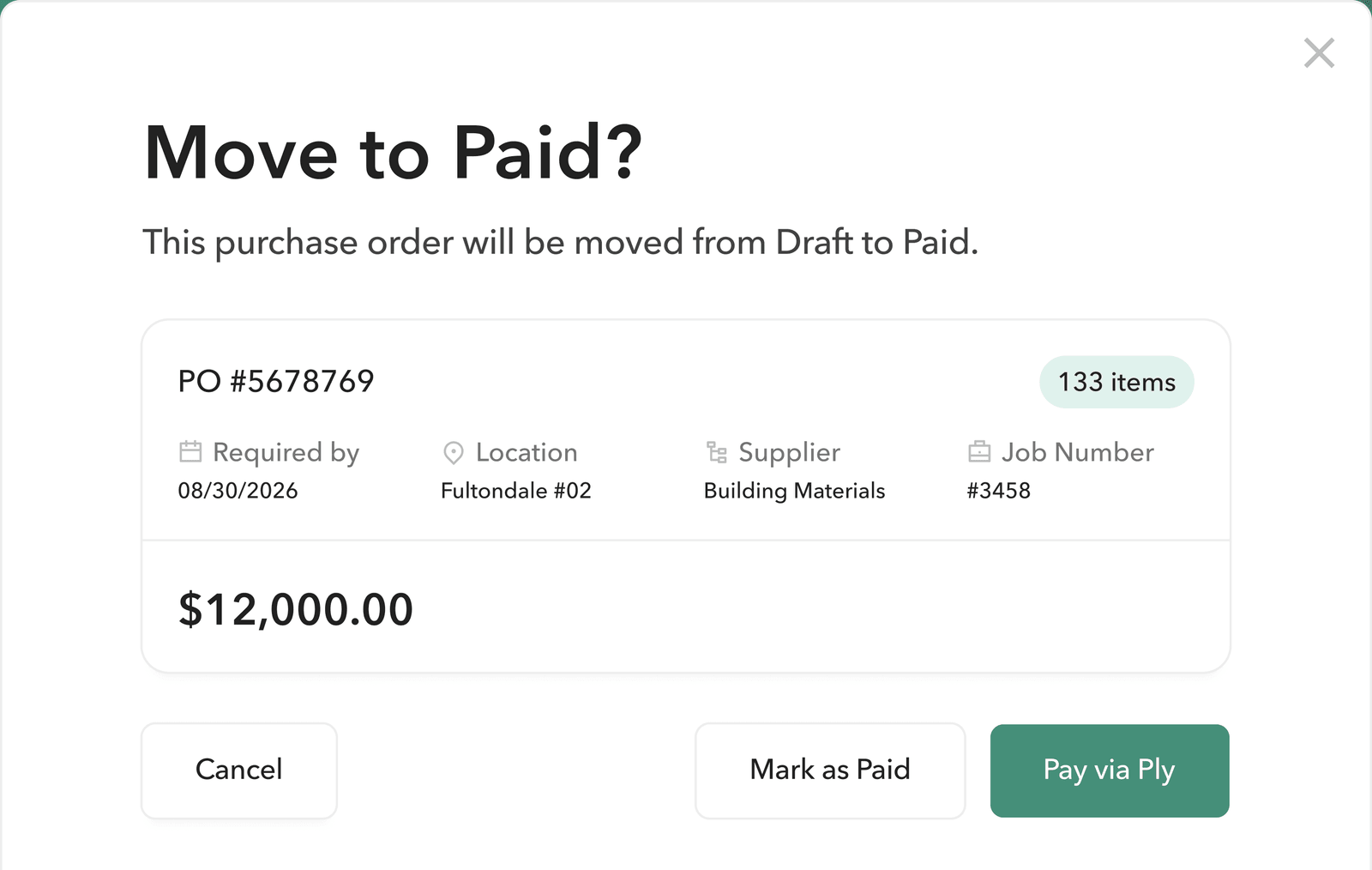
It's all in the details
Paying the supplier used to mean a separate step: log into a bank portal, find their account details, type in the amount you'd already confirmed.
Now you can pay them from the same screen where you verified everything. Same match, same numbers, one place.
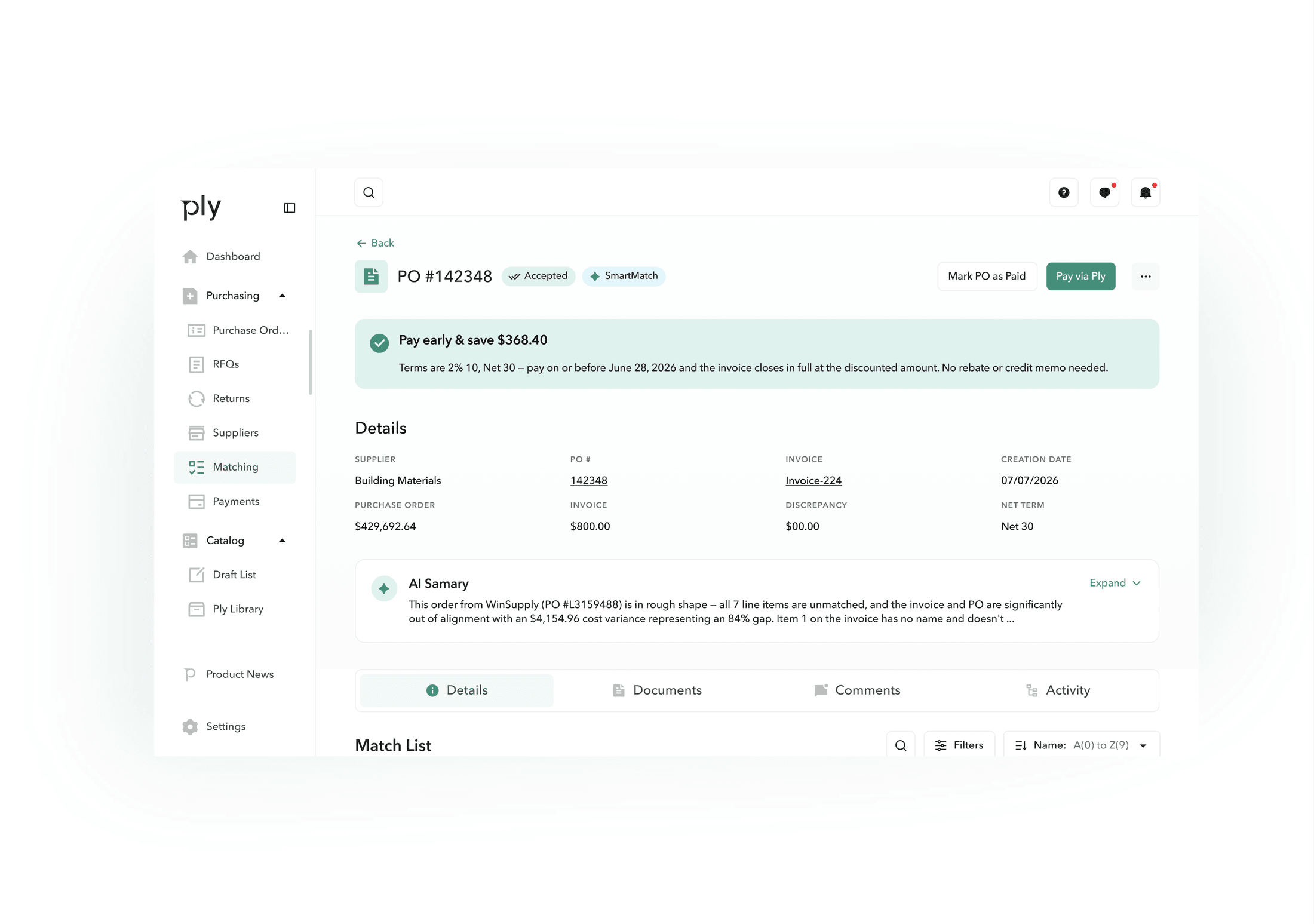
How it works
Once a supplier's bank details are on file, hitting Pay Now sends the payment using the amount and details from the match.
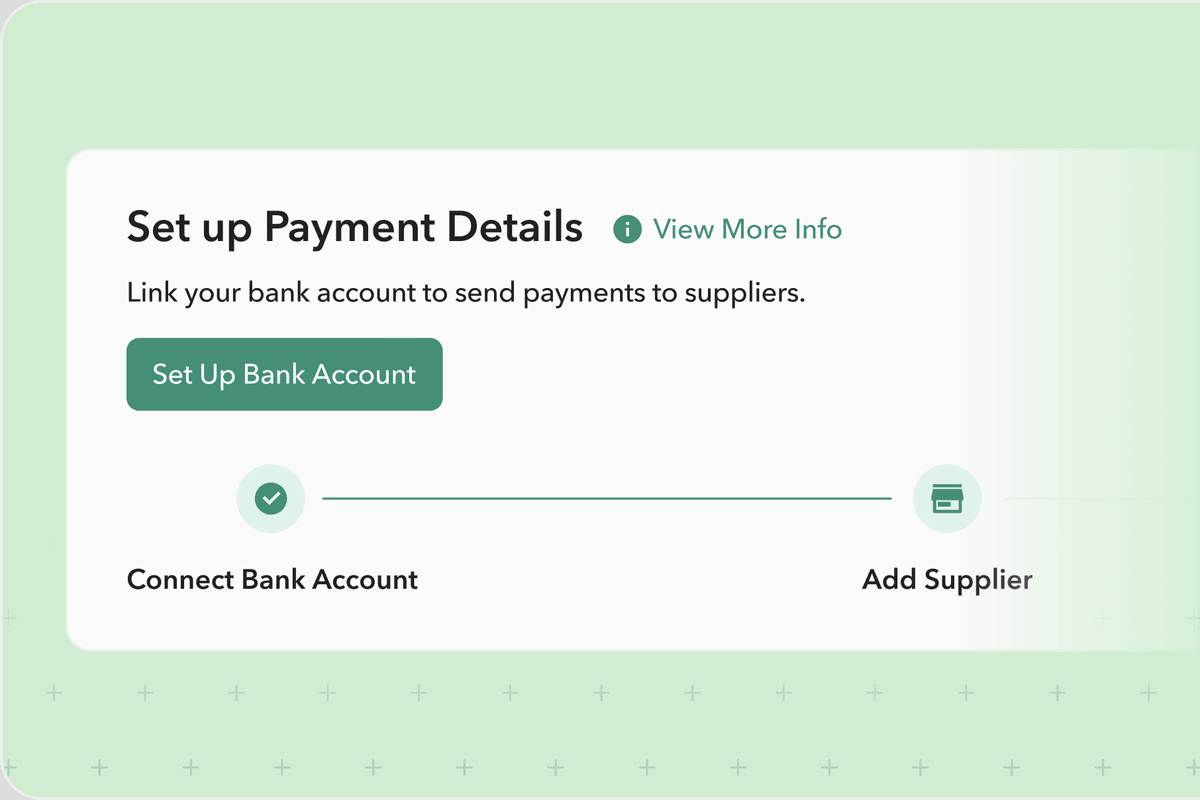
Set up once
Connect your bank and add the supplier's payment details. First-time setup includes accepting the payment provider's terms.
Set up once
Connect your bank and add the supplier's payment details. First-time setup includes accepting the payment provider's terms.
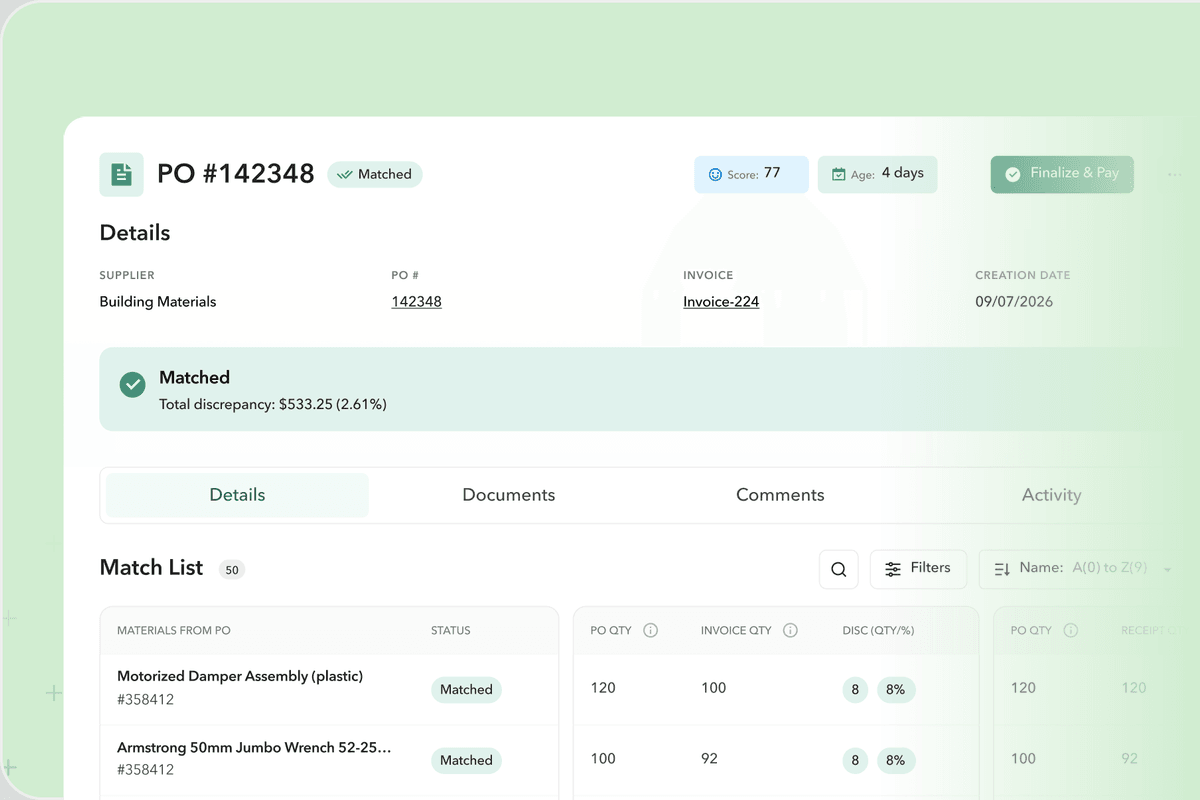
Hit the button
Amount and details carry over once everything's verified.
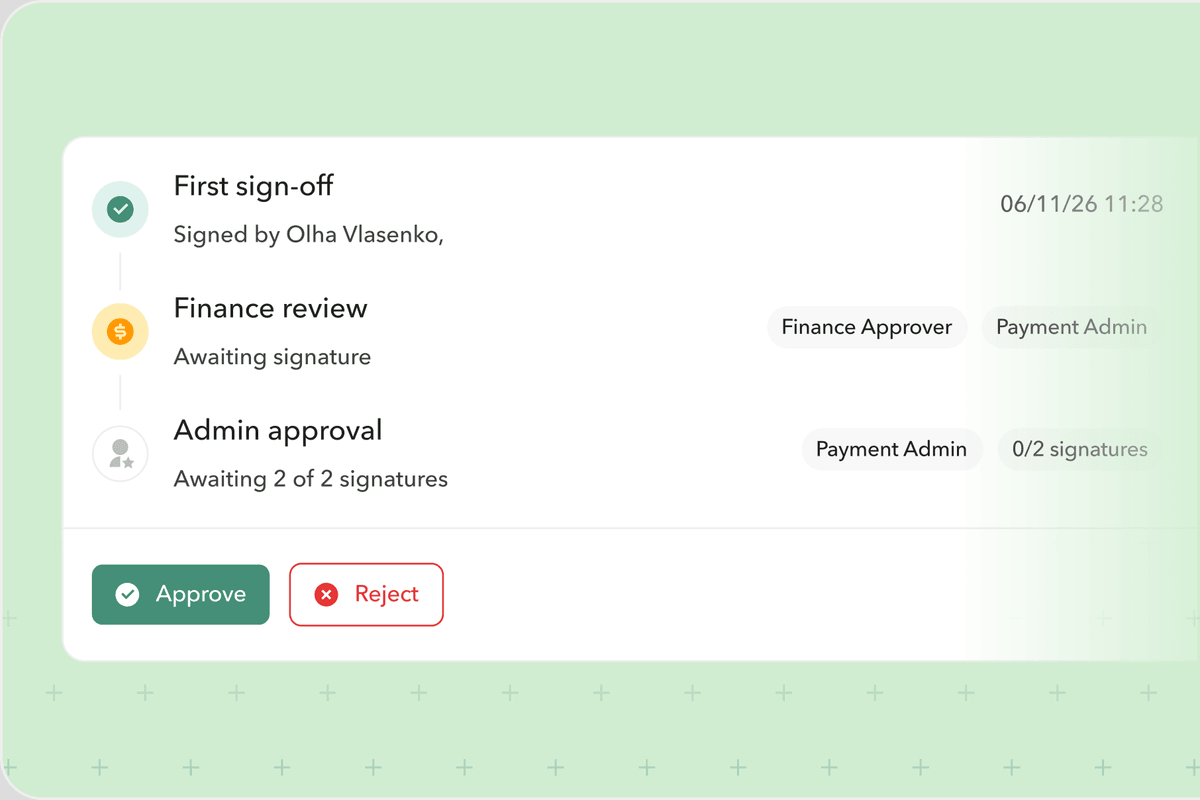
Approval, if your team uses it
Larger payments route by role or dollar amount before sending.
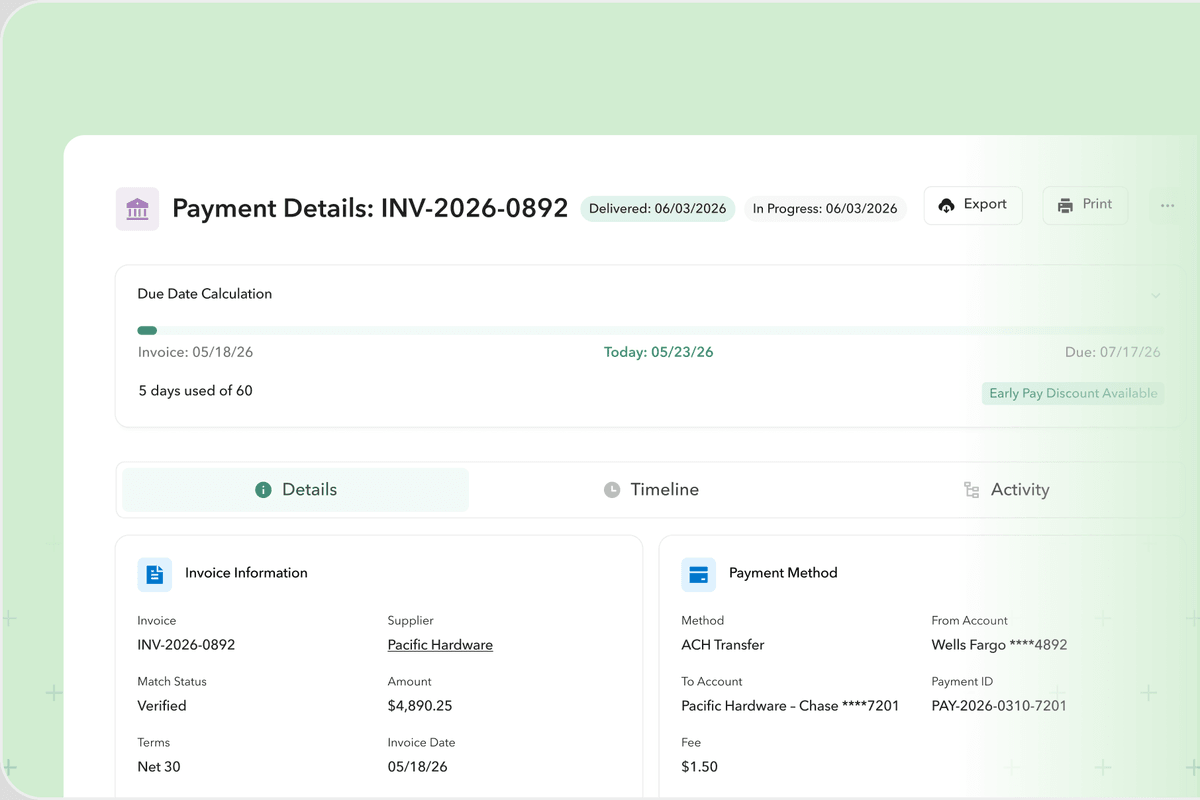
Sent and synced
The payment stays linked to its PO and invoice.
Why it's different
Nothing to re-enter
The payment carries over what's already on file.
You always know where it stands
No checking a separate portal to see if a payment went through.
It's tied to the paper trail
Every payment stays linked to its PO and invoice, automatically.
FAQs
Pay your suppliers directly from Ply, no separate bank portal, no re-entering details you've already got on file.
ACH at launch.
No. Your supplier gets a request to submit their bank details. Once that's on file, they're set up for future payments, no account required on their end.
With Ply Pay, the payment uses details you've already got on file. No separate login, no re-entering information somewhere else.
Request payment details from a supplier directly in Ply. Once they respond and their bank info is verified, it's ready for future payments.
Bank details are handled through our payment partner's secure infrastructure, not stored directly in Ply. Account numbers are masked, and every payment is logged.
Because it means a faster, more reliable payment, without asking them to set up anything new on their end.